

GE RPWFE Water Filter With RFID Chip
$69.00
FREE S&H

Fits Following Models
Description
GE RPWFE Smart Water Refrigerator Filter RPWF
The GE SmartWater RPWFE Water Filter For All Models with or without the RFID Chip Located on back of Filter.
GE – Hotpoint and Kenmore (363. Series) Refrigerators Designed and tested specifically for use in select side-by-side and bottom-freezer refrigerators.
LOCATIONS:
For Bottom-Freezer Refrigerators: Located in the left hand fresh food door (recessed in door flange) or in the fresh food interior on the left side wall near the top.
For Side-by-Side Refrigerators: Located in the bottom of the fresh food compartment. Access the filter using the flip cover without moving the vegetable pan.
Replaces Part Numbers: RPWF, AP5712603, 2400613, PS8688061, EAP8688061.
RPWFE Installation Instructions
IF YOU HAVE A BLUE FILTER HOLDER
REMOVING THE FILTER CARTRIDGE:
1. Remove the old cartridge by opening the filter door and pulling on the bottom of the cartridge to disengage it from the filter clips. Swing the cartridge outward until you hear the ‘click’ of the cartridge holder engaging with the
bracket.
2. Twist the cartridge one-quarter turn counter-clockwise. After twisting, remove the cartridge by pulling it away from the cartridge holder. A small amount of water may drip out.
INSTALLING THE FILTER CARTRIDGE:
3. Align the filter cartridge with the cartridge holder with the word “FRONT” facing the top of the unit. Push the cartridge toward the rear of the unit until it is fully seated. Twist the filter cartridge clockwise one-quarter turn, until the work “FRONT” is facing outward.
4. While continuing to ensure cartridge is fully seated in the holder, gently swing the filter inward until it is in position. If filter will not swing easily, check to ensure filter is properly aligned and fully seated within the cartridge holder.
IF YOU HAVE A GREY FILTER HOLDER
REMOVING THE FILTER CARTRIDGE:
1. Remove the old cartridge by opening the filter door and pulling on the bottom of the cartridge to allow it to swing outward.
2. When the cartridge can no longer swing, gently pull to unseat it from the cartridge holder. A small amount of water may drip out.
DO NOT TWIST CARTRIDGE!
INSTALLING THE FILTER CARTRIDGE:
3. Align top of filter cartridge with cartridge holder with the word “FRONT” facing outward. Push the cartridge toward the rear of the unit until it is fully seated.
4. While continuing to ensure cartridge is fully seated in the holder, gently swing the filter inward until it is in position. If filter will not swing easily, check to ensure filter is properly aligned and fully seated within the cartridge holder.
Resetting Your Filter Change Indicator
For Refrigerators without LCD screens: Press and hold the ‘Reset Filter’ button on the dispenser for 3 seconds.
For Refrigerators with LCD screens: Press the ‘Filter Replaced’ button.
Additional information
| Weight | 0.75 lbs |
|---|---|
| Dimensions | 9.75 × 1.6 × 1.6 in |
Related products
-
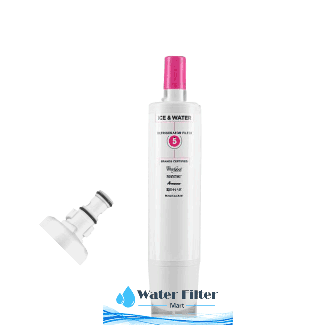
WPL 4396508 Water Filter 5 EDR5RXD1
Price range: $39.00 through $110.00
FREE S&H Select options This product has multiple variants. The options may be chosen on the product page -
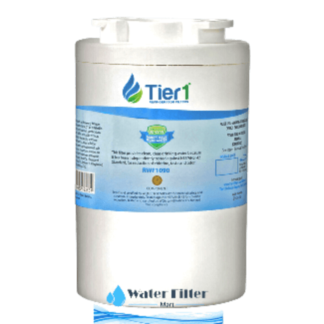
Replacement for Amana WF401 Filter
Price range: $27.00 through $70.00
FREE S&H Select options This product has multiple variants. The options may be chosen on the product page -
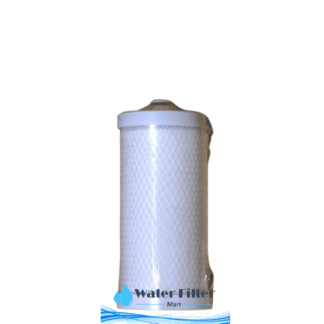
WCI WFCB Kenmore 9906 Filter for Refrigerator
Price range: $25.00 through $75.00
FREE S&H Select options This product has multiple variants. The options may be chosen on the product page -
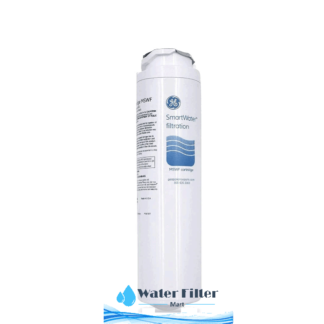
GE MSWF Smart Filter Filter for Refrigerator
Price range: $33.00 through $79.00
FREE S&H Select options This product has multiple variants. The options may be chosen on the product page